How to Update Your Pitch Deck Without Sending a New Link
Learn how to update a pitch deck without changing the investor link, when to keep the same deck, and when a separate version is safer.
You send your pitch deck to twenty investors. The next morning, you notice an old revenue number on slide 8.
The usual response is to export another PDF, upload it again, create another link, and send a correction. Now some investors have Seed Deck Final.pdf, others have Seed Deck Final 2.pdf, and nobody is completely sure which version is current.
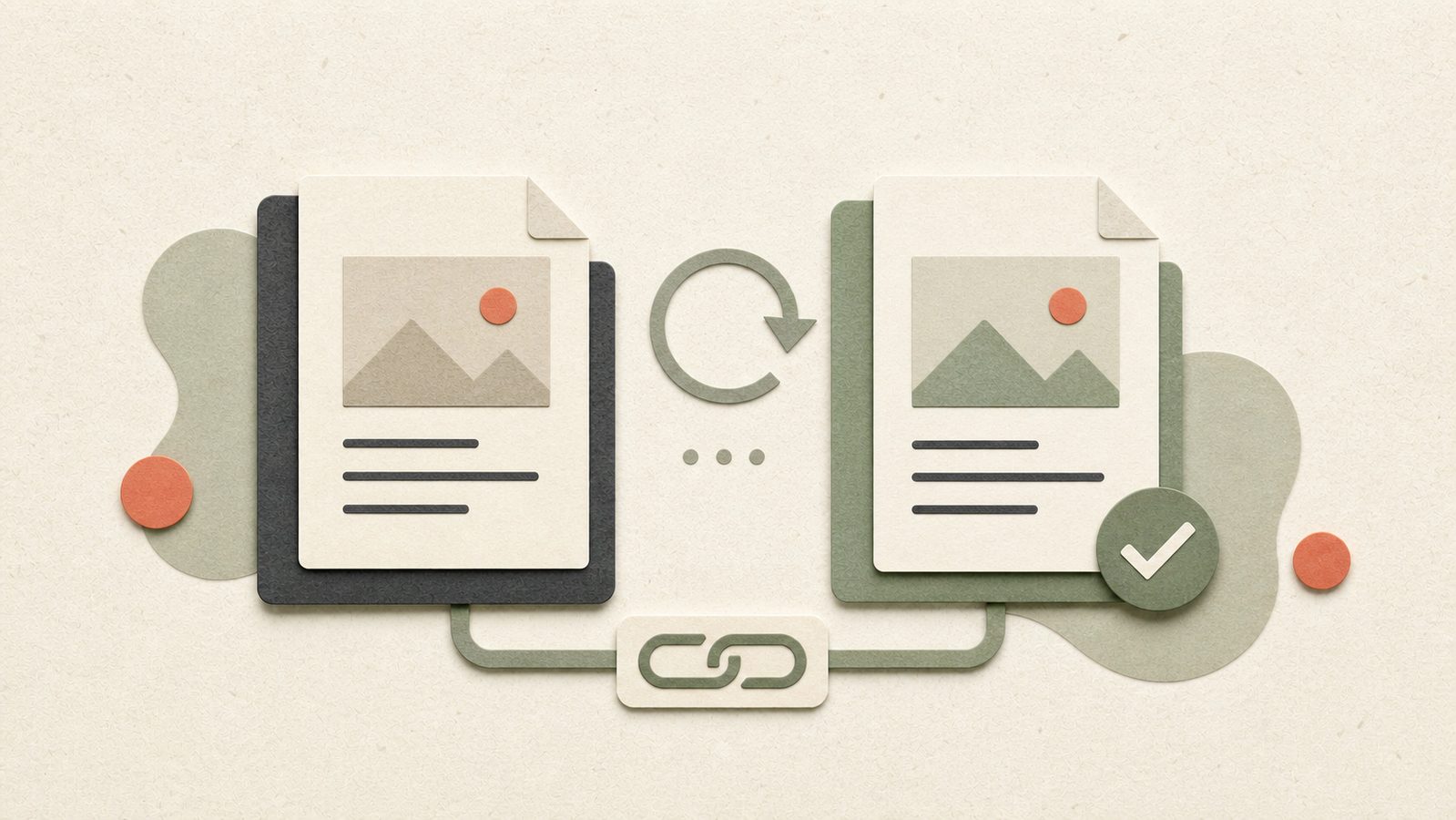
There is a cleaner way to update your pitch deck without sending a new link. Keep one deck as the source, connect your share links to it, and replace the underlying file when the current version changes. Existing links continue pointing to the current deck.
That solves most version problems, but not every update should replace the old file. This guide explains when to update, when to create a separate version, and how to keep investor links organised during a live raise.
The short answer
Use the same pitch deck and link when you are correcting or refreshing the same company story:
- fixing a typo
- updating traction
- refreshing a chart
- replacing an old team photo
- improving the explanation on one or two slides
Create a separate deck when the content needs to remain a distinct record:
- the deck is tailored for a different type of investor
- a major change alters the fundraising story
- an investor needs the exact version reviewed during diligence
- the page order changes enough to make old analytics difficult to compare
- the deck contains different confidential information or access requirements
The rule is simple: same story, update the source; different story or record, create a separate version.
Why sending a new link for every update creates problems
Creating a fresh link feels safe because it preserves the old file. During an active raise, it usually creates more work than control.
Investors keep opening old links
An investor may return to the first email you sent, not the latest follow-up. If that email contains an old link, your correction never reaches them.
Sending another message does not remove the earlier link from their inbox, notes, browser history, or internal Slack thread.
Engagement history gets split
When every deck revision becomes a separate document, the activity is divided across several places. One investor may have viewed version two, another version four, and a partner may still be reading version one.
You can see activity, but the context becomes harder to trust because the analytics no longer describe one current deck.
Follow-ups become harder to interpret
Suppose an investor returns to slide 9 three times. That is useful only if you know what slide 9 contained in the version they saw.
If page order and content change without a clear version record, analytics can create false confidence. You may think an investor studied the financial slide when they were looking at a product slide in an older deck.
Your team loses track of the source of truth
The problem grows when a co-founder, adviser, or fundraising lead is also sharing the deck. Without one current source, each person may send whichever file is easiest to find.
That is how Deck_Final_v7_REAL.pdf becomes part of the fundraising process.
A better model: one deck, controlled links
The deck and the link should be treated as two separate things:
- The deck is the current content.
- The link controls how a specific audience reaches that content.
Deckly lets multiple controlled links point to the same current deck. You can update the underlying deck once while keeping different links for different audiences.
For example:
| Link | Purpose | Example controls |
|---|---|---|
| Warm introductions | General fundraising outreach | Email capture, downloads allowed |
| Lead investor | Active partner-level conversation | Private access, longer availability |
| Accelerator cohort | Shared programme channel | Separate tracking context |
| Sensitive preview | Early review of confidential material | Downloads disabled, expiration date |
When the deck changes, you update one source. The active links can continue serving the current version with their own access rules.
This gives you separate distribution and measurement without creating duplicate deck files.
How to update a live pitch deck safely
1. Decide whether this is an update or a new version
Before replacing anything, write down what changed.
If the answer is “we fixed two labels and updated July revenue,” it is probably a normal update. If the answer is “we changed the amount we are raising, rewrote the business model, and replaced six slides,” treat it as a separate version.
Use this decision table:
| Change | Recommended action |
|---|---|
| Typo, formatting issue, or broken image | Update the existing deck |
| New monthly traction or current team information | Update the existing deck |
| Better explanation with the same core story | Usually update the existing deck |
| Different narrative for strategic investors | Create a separate deck |
| Different confidential information | Create a separate deck and access rules |
| Material change to the round or business | Create a separate version |
| Version requested for legal or diligence records | Preserve that version and create a new one |
2. Check the numbers across the whole deck
Do not replace the file immediately after correcting one slide. A changed metric may appear in the headline, traction slide, financial model, and closing summary.
Before uploading the revision, check:
- revenue, users, growth, burn, and runway
- fundraising amount and use of funds
- customer counts and logos
- market numbers repeated on several slides
- dates in charts and footnotes
- team roles and contact details
One corrected slide next to an old summary slide creates a worse problem than the original typo.
3. Keep a simple internal version note
You do not need a complicated document-management system. Keep a short record such as:
2026-08-24 — v4
- Updated July ARR
- Replaced customer growth chart
- Corrected founder title on slide 12
This note helps your team understand what changed and makes older analytics easier to interpret. It does not need to be visible to investors.
4. Replace the current deck
Upload the corrected file to the existing deck instead of creating a new deck and link.
The existing share links remain connected to that deck, so investors using those links reach the current version. You do not need to edit every email thread, spreadsheet, or message where the link already exists.
5. Test the investor experience
Open each important link as if you were an investor. Use a private browser window so your own account does not hide access problems.
Check:
- the correct file loads
- every page renders properly
- the page count is correct
- email, password, or verification rules work
- download settings are correct
- expiration dates still make sense
- no internal notes or draft pages are visible
Do this before assuming the update is live. Upload success and viewer success are not the same thing.
6. Notify investors only when the change matters
A corrected comma does not need another investor email. A meaningful traction update might.
Send a short note when the change affects the investment decision:
Quick update: we added July traction and the latest customer numbers to the deck. The link is unchanged.
That gives the investor a reason to return without creating another URL to manage.
How to use multiple links without creating link sprawl
Multiple links are useful when the audience, access rules, or measurement context differs. They are not useful when every investor receives a separate link for no reason.
Create a separate link when:
- downloads should be allowed for one audience but disabled for another
- one link should expire after a specific process
- you want to distinguish an accelerator, warm-introduction, or partner channel
- a lead investor needs different access from early outreach
- you may need to revoke one audience without affecting everyone else
Reuse an existing link when the audience and controls are the same.
Give links clear internal names such as:
Warm intros — Seed 2026Lead investor — Full deckAccelerator demo dayStrategic investors — No download
Use tags for stage, source, status, or investor type. The goal is to make each link understandable six weeks later, when the round is busy and your memory is less reliable than you expect.
What happens to analytics after a deck update?
Analytics remain useful, but the meaning of a page can change when the file changes.
If slide 7 was the market slide in version three and becomes the traction slide in version four, old and new page-level activity should not be interpreted as if investors saw the same content.
Use these rules:
- record the date of every meaningful deck update
- avoid changing page order for minor edits
- note any slides that were added or removed
- compare post-update activity only after accounting for the version change
- preserve a separate version when historical page-level comparison is important
Analytics are context, not proof of intent. A repeat visit may justify a thoughtful follow-up, but it does not automatically mean an investor is ready to commit. For more on reading engagement without guessing, see The Fundraising Black Box.
When you should not replace the existing deck
Keeping one link current is useful, but preserving history matters in some situations.
The investor needs the exact version they reviewed
During formal diligence, an investor or lawyer may refer to a specific deck. Do not silently replace that record. Preserve it and share the new version separately with a clear date.
The deck is customised for a different audience
A strategic investor, accelerator, or sector-specific fund may receive a genuinely different narrative. That should be a separate deck, not an update that changes what every existing link shows.
The business story changed materially
If you changed the round size, pricing model, target market, financial plan, or core positioning, create a separate version. Investors who saw the earlier story may need a clear explanation of what changed.
The new file changes page-level analytics completely
If most slides were reordered or replaced, a new version keeps the measurement easier to understand. A stable URL is helpful, but not at the cost of losing the meaning of the data.
A pre-update checklist
Before publishing a revised pitch deck:
- Confirm whether the change is minor or material.
- Check repeated metrics across every slide.
- Remove comments, hidden pages, and draft content.
- Record the date and changes internally.
- Decide whether page order should stay the same.
- Replace the current deck or create a separate version deliberately.
- Test every important share link in a private browser.
- Review downloads, verification, and expiration settings.
- Notify active investors only when the update is meaningful.
How Deckly keeps deck updates manageable
Deckly keeps the document and its distribution connected without treating them as the same thing.
You can maintain one current pitch deck, create multiple links for different audiences, set controls per link, and organise the workflow with folders and tags. When the deck changes, you update the source instead of chasing every investor with a replacement URL.
When the conversation moves beyond the pitch, data rooms keep financial, legal, customer, and company documents organised in the same fundraising workspace.
The result is simple: fewer duplicate files, fewer broken conversations, and a clearer record of what is current.
If you are moving an active raise from another tool, use How to Switch from DocSend to Deckly Without Losing Your Investor Links. If email attachments are still part of your workflow, read Why Your Pitch Deck Keeps Landing in Spam.
FAQ
Can I update a pitch deck after sending it to investors?
Yes. If the shared link is connected to the current deck, you can replace the underlying file and keep the same link. Test the link after every update.
Should I tell investors when I update my deck?
Tell them when the change affects their evaluation, such as new traction, a revised round, or an important correction. Minor formatting fixes usually do not need another email.
Can multiple links point to the same pitch deck?
Yes. In Deckly, multiple controlled links can point to the same current deck. Use separate links when audiences, access settings, or tracking context differ.
Will updating a deck affect analytics?
The activity is still useful, but page-level meaning can change if you reorder, add, or remove slides. Record meaningful update dates and preserve a separate version when historical comparison matters.
When should I create a separate pitch deck version?
Create one when the story changes materially, the content is tailored to a different audience, the investor needs a fixed diligence record, or the new page structure would make earlier analytics difficult to interpret.
The takeaway
Do not create a new deck and link for every correction. Keep one current source for the same fundraising story, use controlled links for different audiences, and create a separate version when the content needs to remain distinct.
Deckly is built for that workflow: update the deck without breaking active links, control access per audience, organise context with tags, and move into a data room when diligence becomes real.