How to Switch from DocSend to Deckly (Without Losing Your Investor Links)
A practical guide to switching from DocSend to Deckly mid-raise without breaking investor links, losing context, or creating new deck-version chaos.
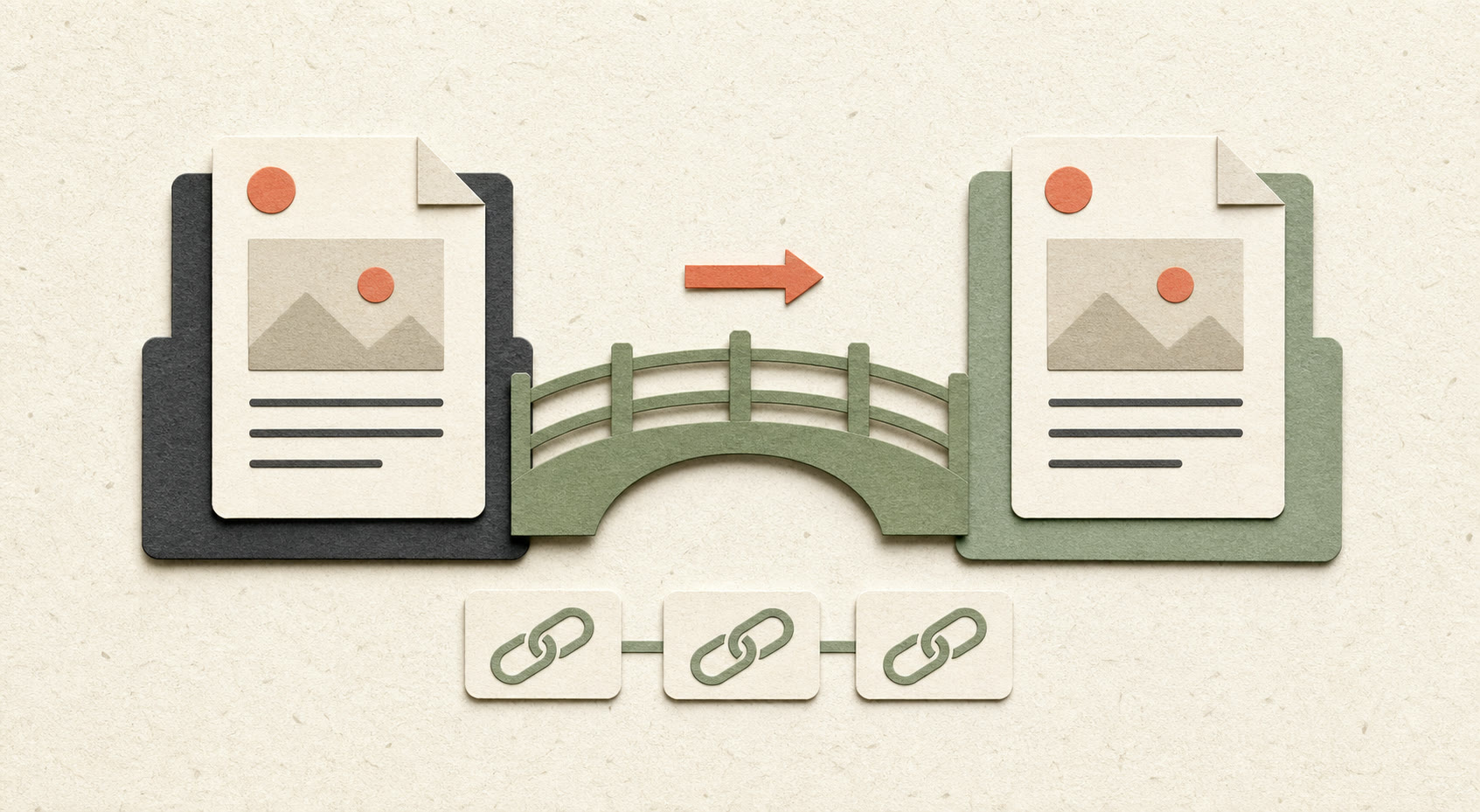
The thing that actually stops founders from switching document tools mid-raise is not loyalty to DocSend. It is the fear of breaking something — a live link sitting in twelve investor email threads, a deck an associate bookmarked last week, or a follow-up conversation that depends on a URL still working when someone clicks it.
That fear is reasonable. It is also solvable with a bit of sequencing. Here is how to switch from DocSend to Deckly without creating a broken-link problem in the middle of an active raise.
Before you touch anything: audit what is actually live
Make a short list of every place your DocSend link currently exists:
- email threads with investors, especially active conversations
- your outreach tracker or spreadsheet
- LinkedIn messages or DMs where you shared the link directly
- pitch deck references in your data room, website, or fundraising one-pager
- email signatures, templates, and saved follow-up messages
You do not need to migrate everything at once. You need to know what is live so nothing goes quiet without you noticing.
It helps to add three columns to your tracker:
| Investor or contact | Current link | Migration status |
|---|---|---|
| Investor name | DocSend URL | Not started / sent new link / confirmed |
This turns a vague migration project into a finite list.
Set up the new version first
Upload your current deck to Deckly and generate the new share link before changing anything in DocSend. Set the access permissions you want — who can view, whether downloads are allowed, and whether the link expires — so the new link is ready before it starts doing the work.
This is also the right moment to clean up anything you have been meaning to fix in the deck. Since Deckly keeps the share link connected to the current deck version, a typo fix or traction update does not require you to resend a new URL to every investor who already has it.
Before you send the first new link, confirm:
- the deck opens correctly in a private browser window
- the title and preview look professional
- access settings match the stage of the conversation
- the latest deck version is the one being served
- analytics are available for the link
Run a short overlap period instead of a hard cutover
For investor conversations that are actively moving, do not disable the DocSend link on the same day you send the new one. Give yourself a week or two of overlap.
During that period:
- send the new Deckly link in the next natural touchpoint
- update your outreach tracker so future sends use Deckly by default
- leave the old DocSend link active while investors may still be relying on it
- watch both systems for activity and unanswered conversations
Send the new link in a follow-up email, a thank-you note after a call, or the next time an investor asks for the latest deck. That feels more natural than sending a standalone “we changed tools” announcement to everyone.
The overlap protects you from the worst failure mode: an investor clicks an old link in the middle of a conversation and hits a dead page.
Use multiple links for the same current deck
One useful change after switching is that you do not have to choose between one link for everyone and a separate file for every investor.
You can create multiple controlled links that point to the same current deck, each with its own purpose. For example:
- a general link for warm introductions
- a private link for a lead investor
- a link with downloads disabled for an early conversation
- a link with an expiration date for a short-term review
- a link you use only in a partner or accelerator channel
The underlying deck stays centralized. When you update the deck, each active link can continue serving the current version while retaining the access rules and context you set for that audience.
That gives you more control without creating five copies of Seed Deck - Final.pdf and losing track of which one is still circulating.
Use separate links when access or measurement should differ. Use one shared link when the audience and permissions are the same. The point is controlled distribution, not link sprawl.
Organize investor context with tags
During a raise, a list of links is not enough. You also need to know what each conversation means.
Use tags to organize decks, investors, and review context by things such as:
- stage: pre-seed, seed, Series A
- status: new, warm, follow-up, partner meeting, passed
- source: intro, accelerator, inbound, event
- sector: fintech, healthtech, climate, SaaS
- priority: lead candidate, active, nurture
Tags make it easier to find the right group without maintaining a second system in a spreadsheet. They also help you act on engagement data. For example, you can identify investors tagged “warm” who returned to the financials, or investors tagged “follow-up” who have not opened the current version yet.
The benefit is not decorative organization. It is less time spent reconstructing context before every follow-up.
Use data rooms when the conversation gets serious
Your pitch deck and your diligence documents do not need to live in separate, disconnected workflows.
When an investor asks for financials, legal documents, customer information, or a cap table, use a data room to organize the supporting material. Create clear folders for:
- company information
- financials
- legal
- product and technical documents
- customers and traction
- team
You can then control access by investor or stage of diligence instead of sending every document to everyone. A lead investor may need full diligence access, while an early conversation may only need the deck and a short company overview.
The important thing is proportionality. Do not build an enormous room just because a platform lets you. Start with the documents investors actually need and expand the room as the conversation progresses.
If you are unsure when to create one, read What Is a Virtual Data Room? A Complete Guide for Startups and Why Most Data Rooms Feel Like Overkill.
What changes once you are on Deckly?
You see more than “opened”
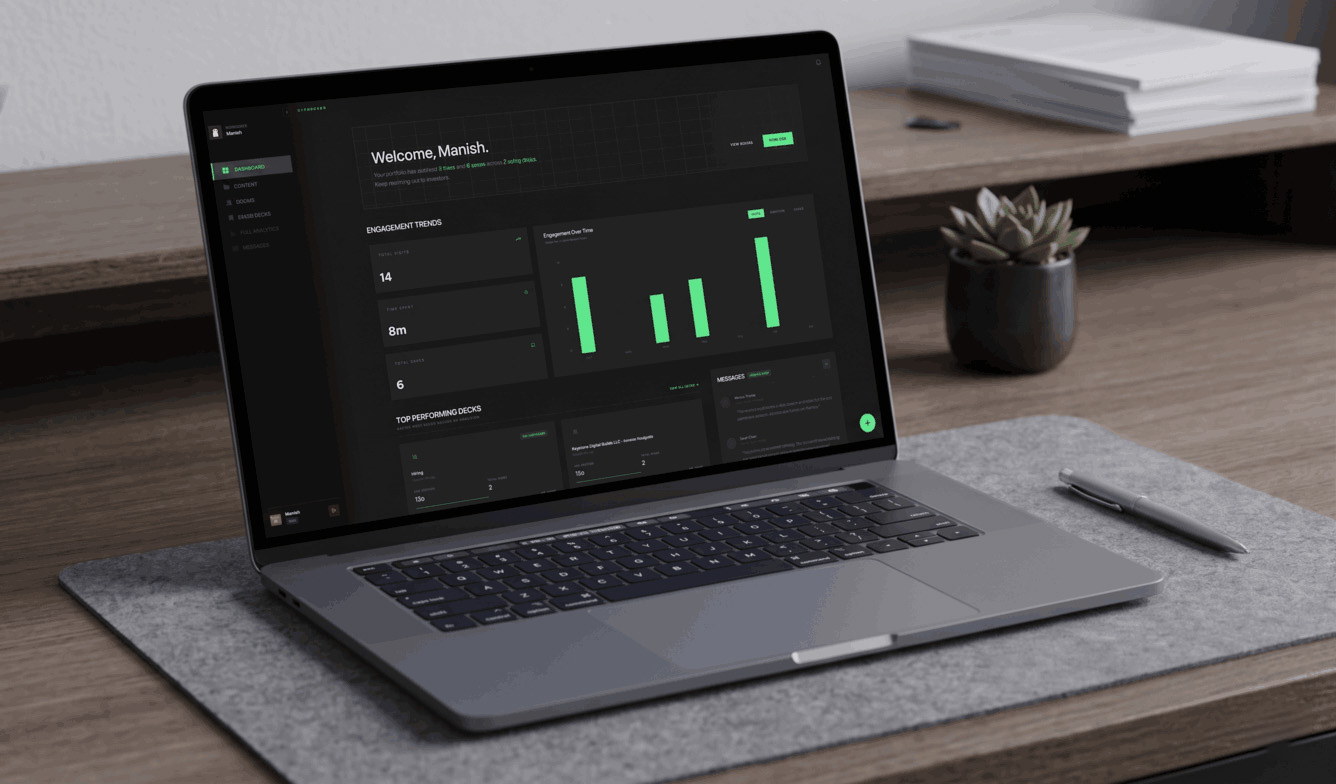
Deckly gives you richer context around investor engagement, including revisits, time spent, and page-level attention. That helps you distinguish between someone who skimmed the first slide once and someone who came back three times and spent real time on the financials.
Analytics are useful when they answer a next-step question: should you follow up now, update the deck, or wait for the investor to finish reviewing?
You can use AI summaries to get context faster
AI summaries help condense a deck or fundraising document into the points that matter for review: the company, market, traction, business model, risks, and open questions.
That is useful on both sides of the fundraising workflow. Founders can quickly check how a deck reads before sending it, while investors can get context without starting from a blank page every time they open a new document.
AI summaries do not replace the source document or a real investor conversation. They reduce the time it takes to orient yourself, especially when you are managing several deck versions and diligence files at once.
You stop resending links after every edit
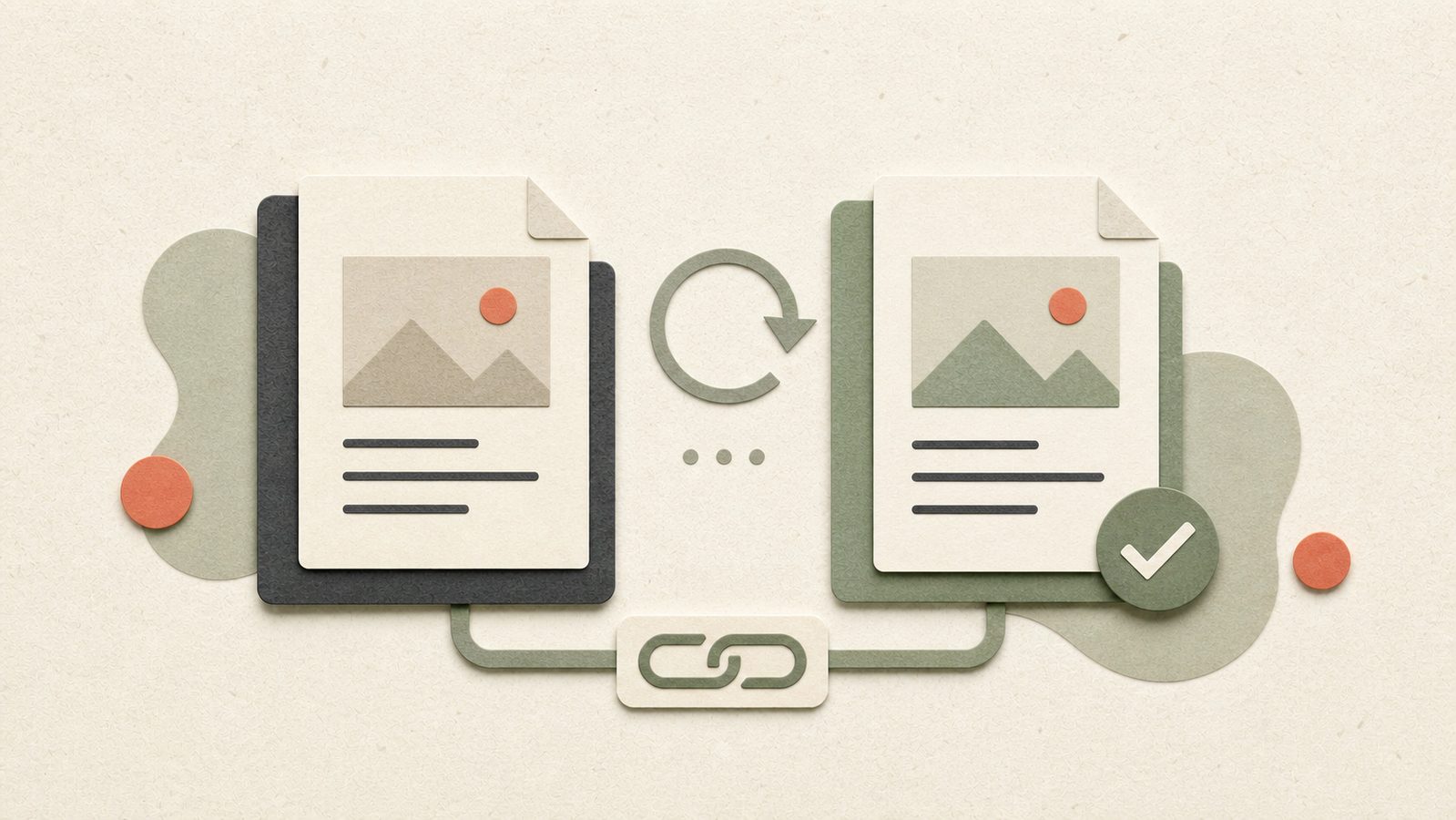
Because the share link stays connected to the current deck, a typo fix or traction update does not require touching every email thread where the link already exists.
Keep your version history disciplined, publish the current file, and let the existing link do the distribution work.
You control access without paying for more infrastructure than you need
Expiration dates, download permissions, and access revocation give you practical control over who can see the deck and for how long. When diligence becomes more involved, data rooms add structured folders and more deliberate permissions without forcing your entire fundraising workflow into a separate system.
The final migration steps
Once you are confident that active investor conversations are routing through Deckly:
- update your email signature and pitch materials
- replace old links in saved templates
- update your outreach tracker and CRM fields
- check your website, fundraising one-pager, and data room references
- keep a record of the old DocSend links for reference
- cancel or downgrade DocSend after checking your billing cycle
Do not cancel first and investigate later. The overlap period costs little and protects you from an awkward broken-link moment.
How long does switching take?
The technical migration can take an afternoon. The longer part is the audit: finding where the old link exists, identifying which investor conversations are active, and sending the new link at the right moment.
You do not need to move every historical document or recreate every old share link. Start with the current deck and active conversations. Move the rest as it becomes relevant.
FAQ
Can I switch from DocSend to Deckly during a fundraise?
Yes. The safest approach is to create and test the new Deckly link first, run both links during a short overlap period, then gradually make Deckly the default for active conversations.
Will my old DocSend links keep working?
They should remain available according to your DocSend account and link settings until you disable the account or link. Check the specific links you have shared before cancelling and keep an overlap period for active investor conversations.
Do I need to resend my deck to every investor?
You should send the new Deckly link to active conversations, but you do not need to make a separate announcement to every historical contact. Use the next natural follow-up to introduce the new link.
Can multiple links point to the same deck?
Yes. Multiple controlled links can point to the same current deck while using different access settings or helping you understand different audiences and distribution contexts.
What are tags useful for during fundraising?
Tags help organize investors, decks, and follow-up context by stage, status, source, sector, or priority. They make it easier to find the right conversations and act on engagement signals.
When should I use a data room instead of a deck link?
Use a deck link for the initial pitch and early review. Use a data room when investors need structured access to financials, legal documents, customer information, cap table material, or other diligence files.
What happens to my deck when I update it?
The current version can be served through the existing share link, so you can correct a typo or update traction without resending a new URL to every investor who already has it.
The takeaway
Switching tools mid-raise feels risky because investor links are part of the conversation, not just technical URLs. Audit where the old link lives, set up the new deck first, run a short overlap period, and migrate active conversations in their natural follow-up moments.
Once you are on Deckly, the workflow becomes more than link replacement: AI summaries help you get context faster, multiple links let you control the same current deck for different audiences, tags keep investor context organized, and data rooms give serious diligence a clean home.
The goal is not to change tools for the sake of changing tools. It is to keep the round moving without broken links, duplicate decks, or another layer of fundraising admin.